Decide before they pick up the scissors
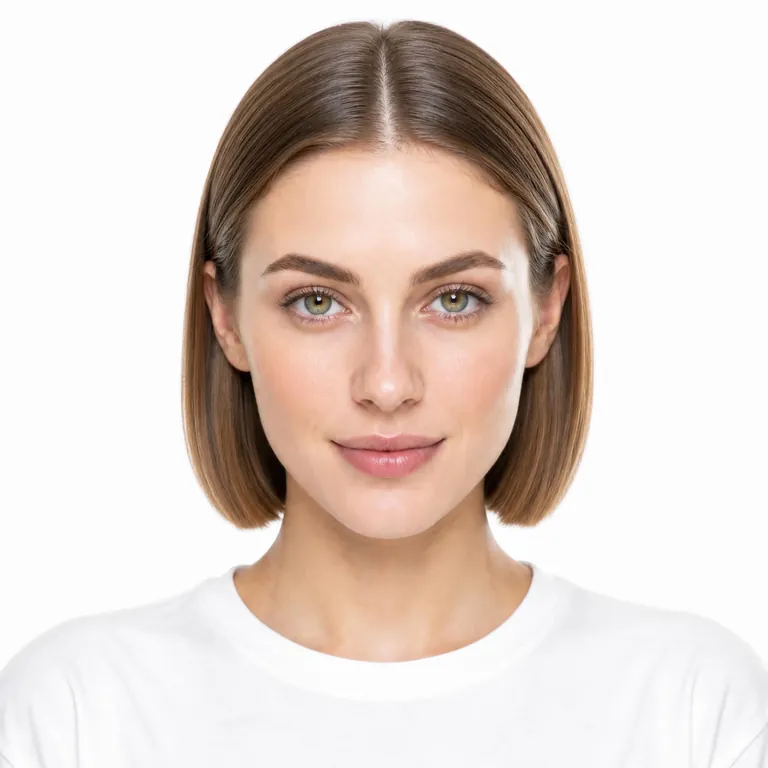
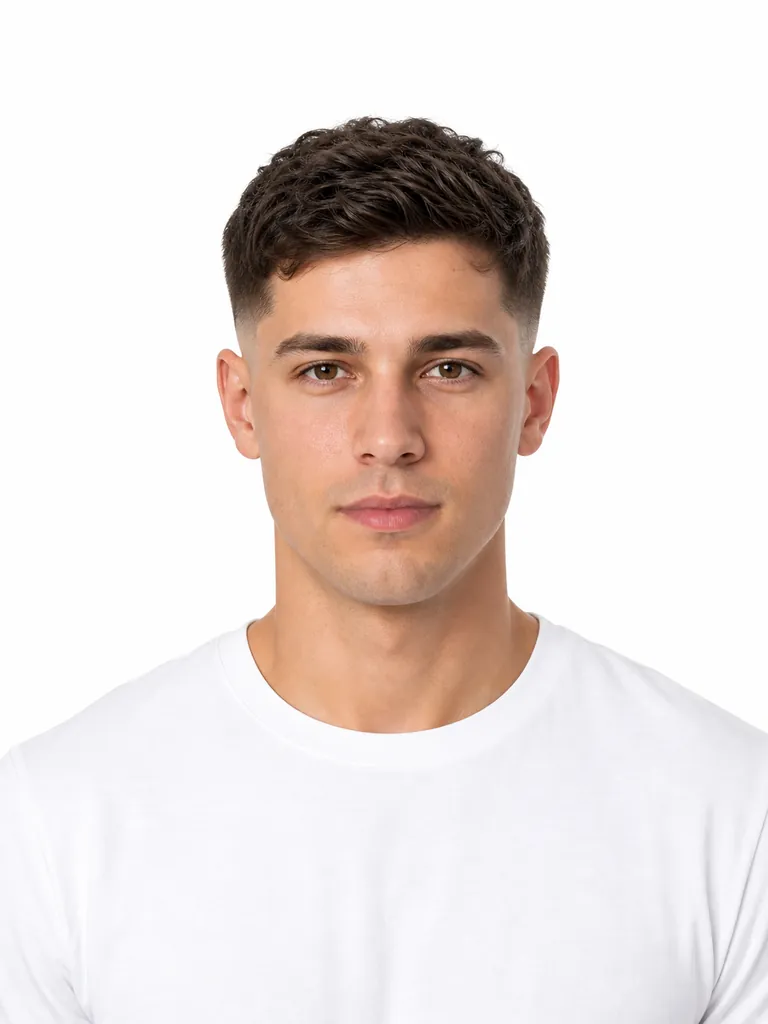
Short, bangs, or a fade is easy to describe and hard to reverse. Generate the shape on your face, then book when you actually like it.
Try on 100+ hairstyles with your own photo.
AI Hairstyle is an online hairstyle try-on. Upload a selfie, pick one of 116 cuts for women and men or 36 hair colors, and see the result on your own face in about 20 seconds. It runs in the browser on phone or desktop, and your first look is free. Then take the picture to your stylist.
Last updated
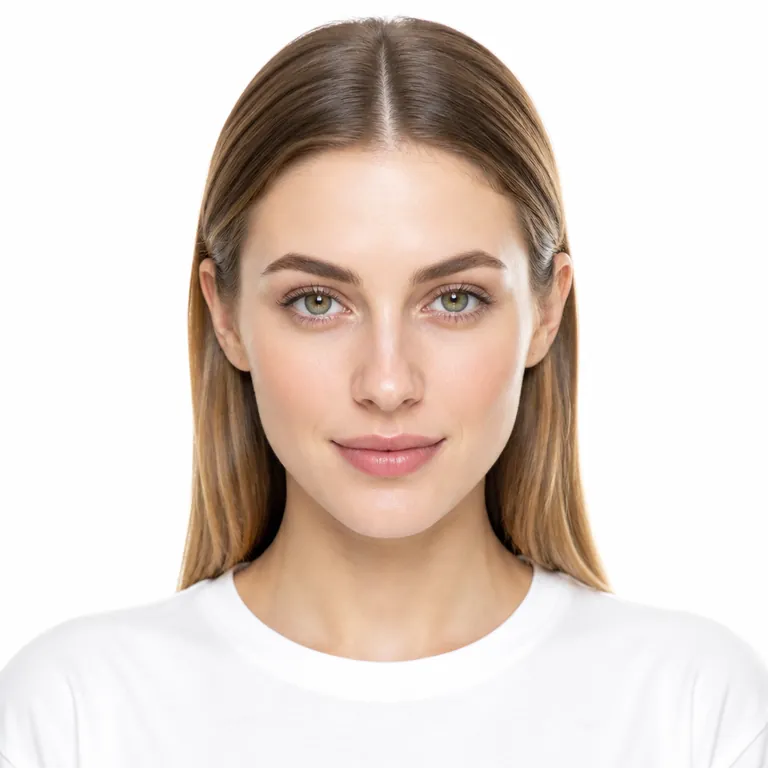
Drag the handle. Same person, new hair.
116 hairstyles and 36 colors, generated on your face — not a model's.
Your photo
Your new look
Generated looks show up here. Upload a photo, pick a cut or color, then generate.
Hairstyle
Hair color
Keeping your current color
Sign in for 10 free credits. Each look uses 10.
Looks are generated by OpenAI GPT Image 2.5. Uploads and prompts must follow our content standards.
Changing your hairstyle in a photo takes three steps and about 20 seconds. The virtual hairstyle try-on runs online in your browser, with nothing to download.
One front-facing shot in decent light. Phone photos work. No studio, no appointment.
116 hairstyles across women and men, 36 colors. Mix any cut with any color, or change just one thing.
Sign in for 10 free credits — one look. The image model repaints only the hair. Extra generations use 10 credits each.
116 hairstyles and 36 colors work on one photo. Women can try bobs, layers, bangs and braids. Men can preview an AI haircut from a buzz cut to a low taper fade.
85 in the women's tab, 73 in the men's.
Naturals, blondes, reds, and fashion shades.
Mix any cut with any color, or change just one.
Cuts and lengths
Pixie, bob, lob, shag, long layers, buzz cut
Braids and updos
French braid, box braids, cornrows, bun, ponytail, chignon
Men's shapes
Color
Blonde, copper, silver, rose gold, blue, pink
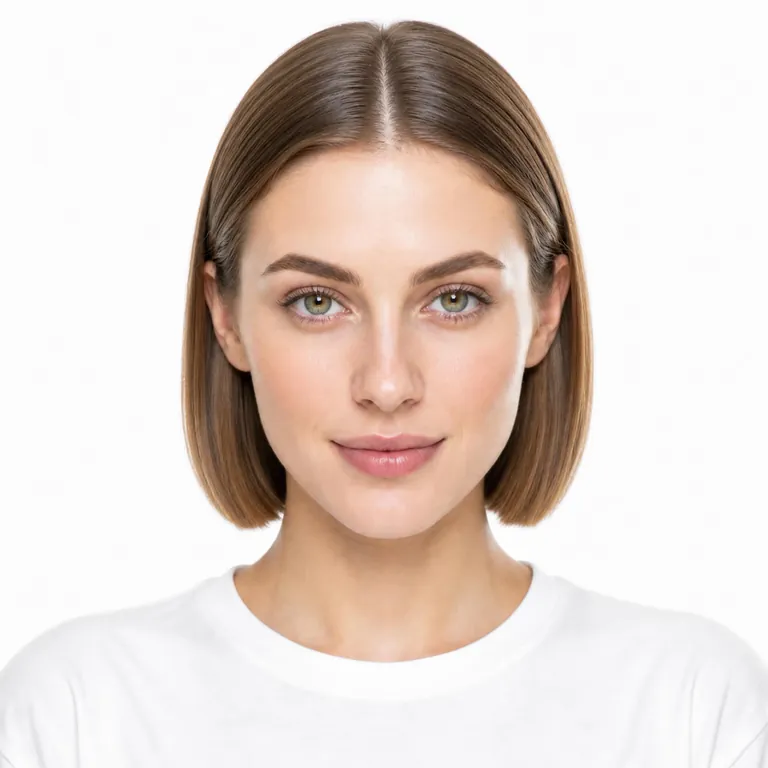
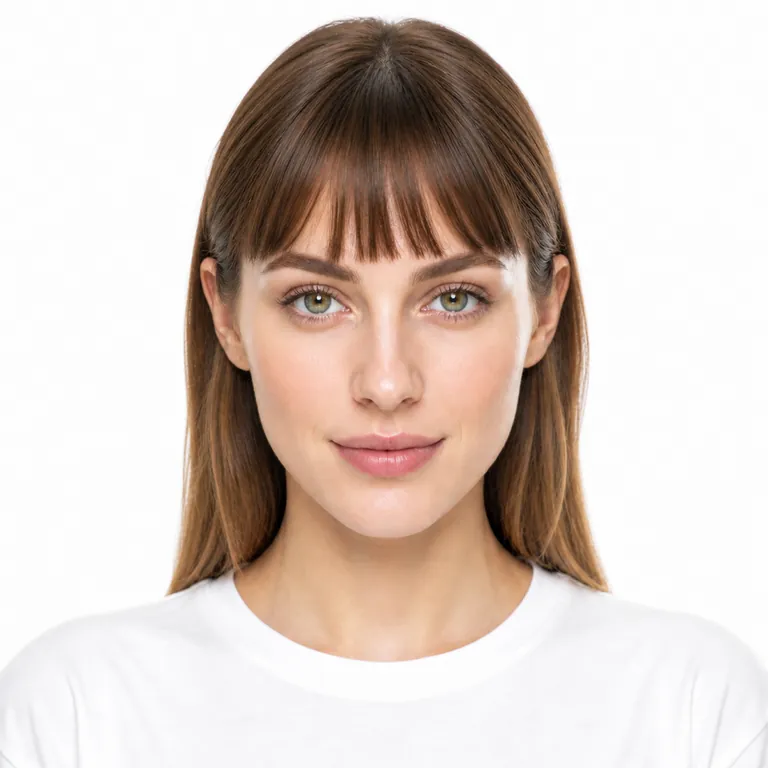
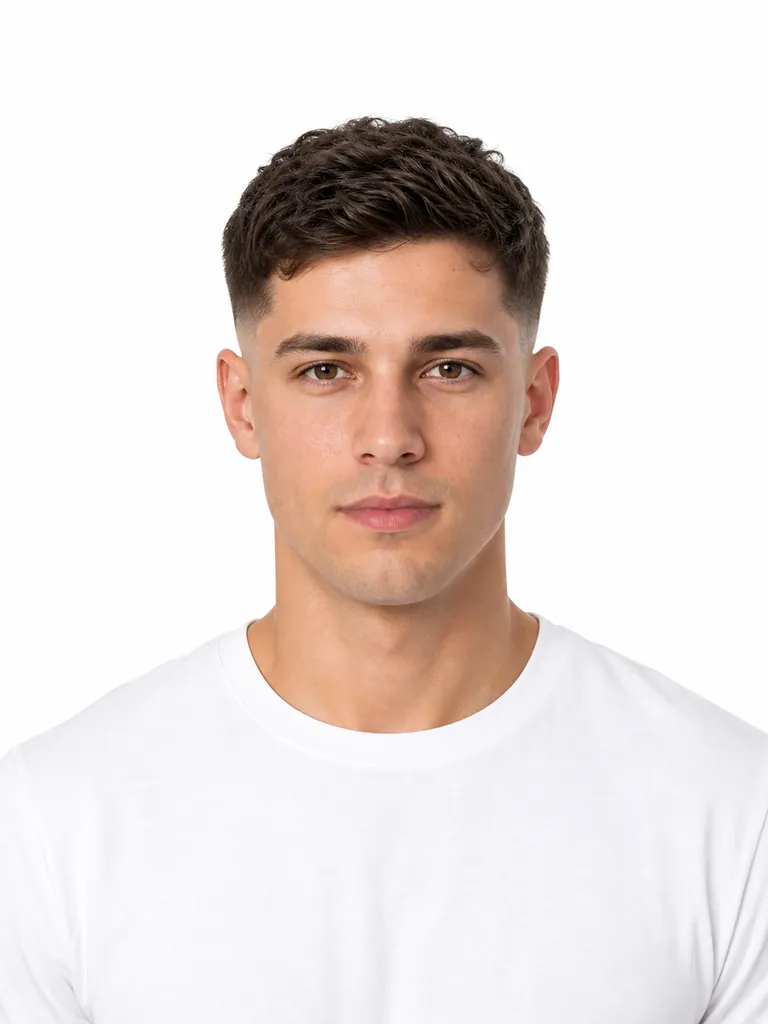
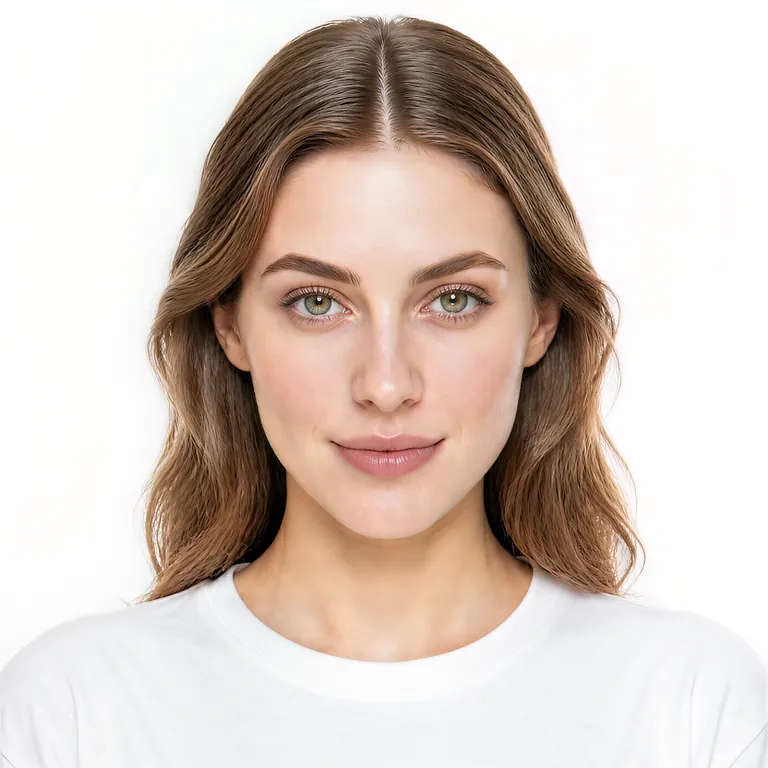
Narrow it down to two or three cuts, then try each one on its style page. Each style page pins that cut in the studio, shows who it suits and says what it costs to keep.
A haircut preview takes about 20 seconds. Upload a selfie, pick a cut or a color, and walk into the salon with a picture of your own head.
Short, bangs, or a fade is easy to describe and hard to reverse. Generate the shape on your face, then book when you actually like it.
Dye is committed. A generation is not. Keep your current cut and only change the color, or try both together.
Save the image and send it. They can see length, fringe, and color on you, instead of guessing from a screenshot of someone else.
Your first AI hairstyle is free after a quick sign-in. No subscription, nothing renews — buy a credit pack only if you want to compare more cuts.
| Feature | Free | Credit packs |
|---|---|---|
| Browse styles, guides and examples | Free, no account | Free, no account |
| Generate on your own photo | 10 credits at sign-up — one look | 10 credits per look: 100 credits for $9.90 (10 looks) or 400 credits for $19.90 (40 looks), paid once |
| Download and keep your looks | Yes | Yes, and credits never expire |
All four can show a new haircut on your photo. AI Hairstyle suits you best when you want a named cut you can repeat to a stylist and your face left untouched. A chat assistant suits you best for a style you can only describe in words.
| Option | How you pick the cut | Where it runs | Price | Your face |
|---|---|---|---|---|
| AI Hairstyle | Choose from 116 named cuts and 36 hair colors | Browser on phone or desktop, no app | 10 free credits at sign-up (one look), then packs from $9.90, paid once | Repaints the hair only |
| ChatGPT or Gemini | Describe the haircut in your own words | Chat app or browser | Free with limits in the app | The edit can also change the face, background or light |
| Canva | Brush over the hair in the editor and describe the new style (Magic Edit) | Canva editor, browser or app | AI tool limits depend on the Canva plan | Only the brushed area changes |
| YouCam Makeup | Preset hairstyle and hair color filters | iOS and Android app, plus a web editor | Free download, extra looks in a Premium subscription | Filter over your photo |
Use a chat assistant when the style you want has no standard name, such as a one-off color pattern. You write the prompt yourself, and you should check that the edit kept your face the same.
Use Canva when the photo is going into a design anyway, such as a poster or a social post, and you already pay for a Canva plan with AI tools.
Use YouCam Makeup when you want a phone app that also tries on makeup, or a live camera preview rather than a single generated photo.
A clearer selfie makes a sharper try-on. Face the camera and keep your hairline in the shot — that is all the model needs.
Face the camera
Show your full head and hairline. A slight turn is fine. Profile-only shots are not.
Use even light
Window light or indoor lamps beat heavy flash, sunglasses, and beauty filters.
One person, no hat
Hats, hoods, and group shots hide the hairline the model needs to follow.
A phone selfie works
You do not need a studio. Clear and front-facing beats high resolution.
Yes, the AI hair changer on AI Hairstyle is free to try. Sign in and you get 10 credits, enough for one look, at no cost. After that each generation uses 10 credits, and credit packs start at $9.90 for 100 credits, paid once with no subscription. Browsing every hairstyle, the style guides and the examples stays free, with no account.
Yes. AI Hairstyle runs online in your browser on desktop and mobile, so there is no hairstyle try-on app to install. Open the page, upload a selfie, and your first look is free after a quick sign-in.
Yes, generating a look needs a free sign-in. Uploading a photo and picking cuts and colors works without an account. The sign-in is how AI Hairstyle gives you the 10 free credits and keeps the tool from being abused.
Trying on a hairstyle takes three steps: upload a selfie, pick a hairstyle, a hair color or one of each, and generate. In about 20 seconds you get the new hair on your own face, ready to download or send to your stylist.
Yes, that is the whole point: the hairstyle is generated on the photo you upload, not on a model. A front-facing phone selfie in even light, with your hairline visible and no hat, gives the most accurate result.
Yes, AI Hairstyle works for men. The men's tab has 73 cuts, from a buzz cut and a low taper fade to a textured crop, undercut, mullet and wolf cut, and the 85 women's styles cover bobs, pixies, bangs, braids and updos.
Yes, ChatGPT can edit a photo if you describe a haircut. You have to write the prompt yourself, and the edit may also change your face, background or lighting. AI Hairstyle is built for one job: you pick a named cut from a fixed catalog, the model repaints only the hair, and the result uses the same names your stylist does.
The best free website to try on hairstyles depends on how you pick the cut. AI Hairstyle suits you if you want a named cut on your own face, and the first look is free after sign-in. Canva's AI hairstyle changer suits you if the photo goes into a design, within the AI limits of your Canva plan. ChatGPT or Gemini, free with limits, suits a style you can only describe in words.
Not reliably on its own, and AI Hairstyle does not score your face shape. What it does is show each cut on your own face so you can compare them side by side. For rules of thumb, our guides cover haircuts for round faces, thin hair and a receding hairline.
AI Hairstyle changes only your hair. The model repaints the hair and leaves your face, skin tone and lighting as they are in the photo you uploaded, so the result still looks like you.
Yes. Pick any of the 36 hair colors with any hairstyle in one generation, or change just one of the two. Selecting only a color keeps your current cut.
Sign in and get 10 free credits, enough for one new hairstyle on your photo. Top up with a one-time credit pack only when you want more looks.



